Less screen time. More hands-on work.
OKTA handles the work around the visit: exercise programs, movement screenings, video visits with AI notes and client communication. Your specialists get their time back.
Health and fitness centers run on OKTA


Everything your center needs, in one place
Six tools, one client record, one login. Each works on its own and better together.
A program from your notes in a minute
AI drafts it, you adjust it, the client follows it in the app.
Learn more: A program from your notes in a minute
Range of motion from a phone video
Computer vision measures the angles. You review and release the results.
Learn more: Range of motion from a phone video
Video visits with live notes
Clients join from a link. The note is drafted when you hang up.
Learn more: Video visits with live notes
Reminders, messaging, personal videos
Smart notifications, a shared thread with every client and 30-second exercise videos from your phone.
Learn more: Reminders, messaging, personal videos
The whole practice on your phone
Edit programs, record videos and message clients between visits.
Learn more: The whole practice on your phone
One panel for the whole center
Every client in one place, bulk onboarding, reassignment and per-center settings.
Learn more: One panel for the whole centerOne record. One loop.
The visit, the note, the program, monitoring, review and the next visit run on one client record. Your team and your client see the same thing.
In your center
- Center ownerCenter overview, the team and its settings
- SpecialistsPrograms, visits, screening review and notes, on the web and the phone
The loop of care
- 1. VisitIn the center or on video, notes written live
 2. NoteAI drafts, you review
- 3. ProgramIn the client's app, with reminders
 4. MonitoringWorkouts and screenings come back
- 5. ReviewResults released, program adjusted
- 6. Next visitReminders bring the client back
and back to the visit
Your client
- The client appProgram, reminders, messages and personal videos
- A linkJoins video visits from any browser, no account
- Their phone cameraRecords screenings at home
Measure range of motion. Don't eyeball it.
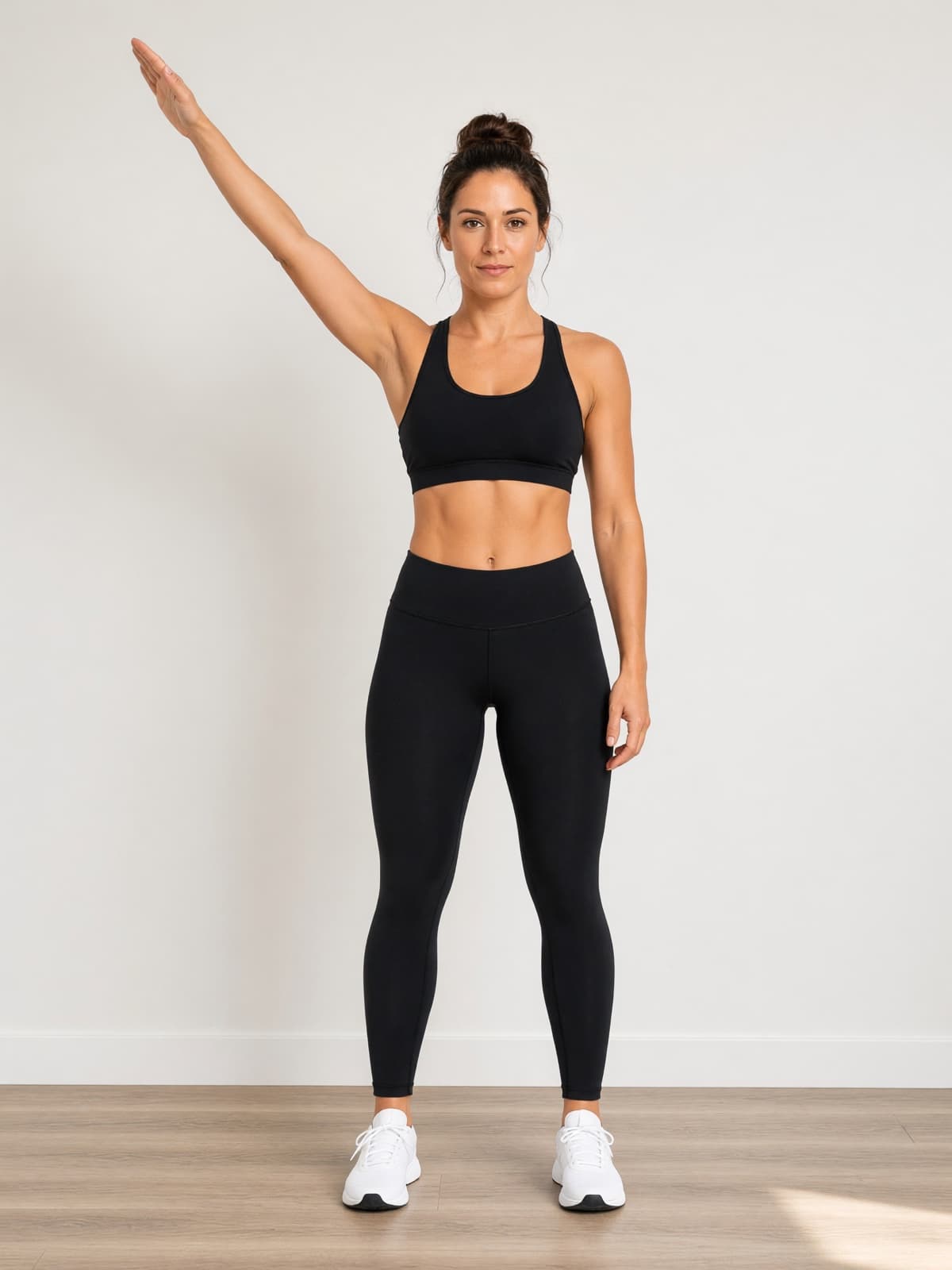
Prescribe a screening. The client records it at home with on-screen guidance, computer vision measures the angles, and you review the clip and the numbers before anything is released.
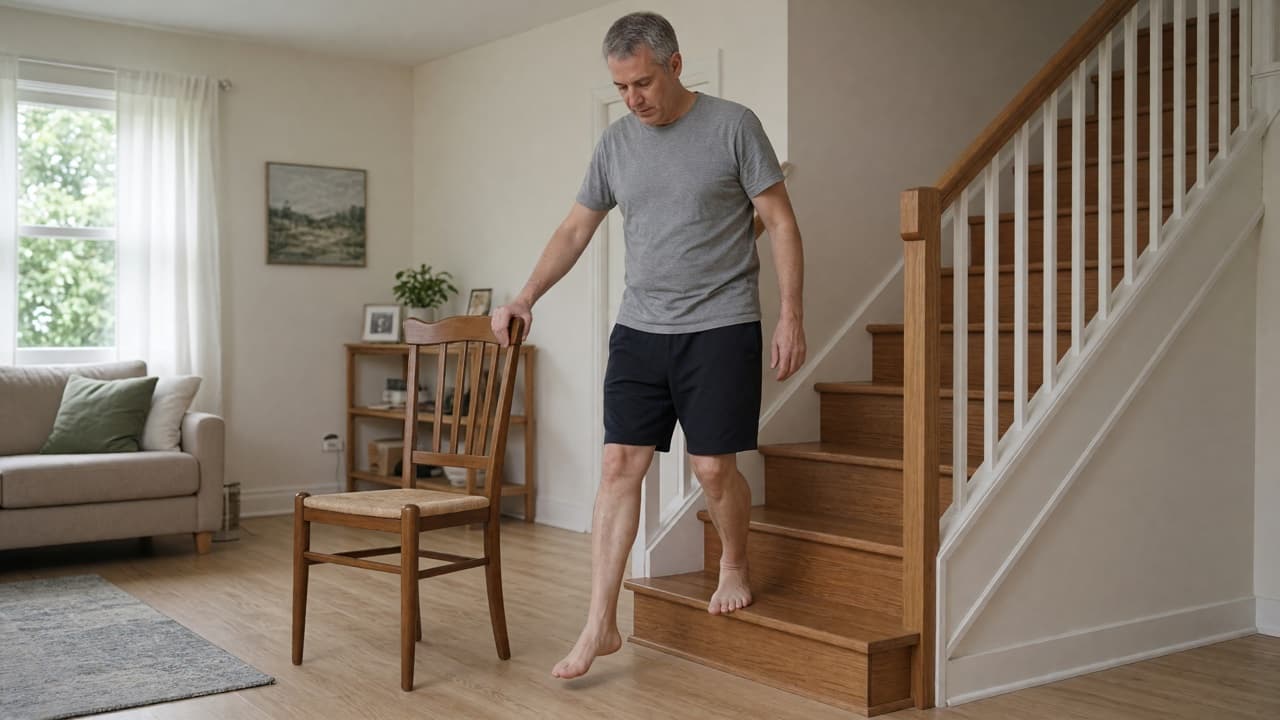
- Shoulder and knee ROM, squat, gait, balance and postureCamera placement guidance and a hold-still countdown, so every clip starts clean.
- Numbers you can chartPeak angle per side, the left–right difference and the clip with its skeleton overlay. Clips that can't be measured come back for a retake.
- Review first, then releaseThe client sees results, your summary and next steps only when you say so. Repeat in a month to show progress.
Video visits that write their own notes.
Clients join from a link in any browser, no app and no account. With their consent, notes appear beside the video as you talk, and the note is drafted when the call ends.
- One link, no downloadSent by push, text and email. Works in any browser, in the client's language.
- Live notes beside the videoPain ratings, measurements and decisions, written down as they are said, for you to keep or remove.
- Note, client summary and program changes, draftedNothing reaches the record, the client or the program until you save or send it.
AI that does actual work, not chatbot work.
Built with practicing specialists. It drafts and measures; you decide.
Programs from your notes
Type or upload the assessment, including images and PDFs. Refine in a side-panel chat.
Written while you talk
Live notes during video visits; the full note drafted when the call ends.
Angles from video
Pose estimation measures joints like a goniometer and flags left–right differences.

Your standards, not generic ones
Upload your center's protocols. Programs and in-visit suggestions cite them.
For center owners
See the whole center at a glance.
Every client and every specialist on one screen, with the controls to run the team.
- Center-wide client viewEngagement, adherence and activity across every specialist.
- Onboard and reassign in bulkUpload a specialist roster, move clients between specialists, keep the history intact.
- Per-center controlBranding, feature switches and access by role, set for your center.
For specialists
Your clients, in your pocket.
The specialist app covers the hours between visits: programs, videos, messages and who needs a nudge.
- A program from your notes in a minuteAI drafts it. You refine it in plain language.
- Edit any program from your phoneSets, reps, dosage and notes, between sessions.
- A 30-second video says more than a diagramRecord it once; it lands in the client's next workout.
From demo to live in days, not months.
No IT project. Three steps.

A 30-minute demo
We walk through the live product with your center's workflow in mind and answer every question.

We onboard your team
Specialists are invited in bulk; your exercise library comes with you.

Clients go live on day one
Invite by link or QR code. The first program comes from your notes.
 Encrypted in transit and at rest
 Each center's data kept separate
 Role-based access control
 Russian and English throughout
Questions center owners ask us
Give your specialists their time back.
Thirty minutes with our team, on the live product. No slide deck.